

Calibration takes hours of leadership time every cycle. Leaders compare ratings across managers, teams and departments so that a 4 in Engineering means the same thing as a 4 in Sales. That work feeds three decisions: the performance review (and the ratings that the employees see about themselves), who gets promoted (or doesn’t) and what each person's compensation looks like after the cycle is over.
The third decision is where the work most often gets lost. In many companies, ratings are finalized in one process and pay is decided in another, weeks later, in a different tool. The calibrated rating becomes one input among several, and each manager falls back on their own judgment about who deserves what. The consistency calibration created never reaches pay.
Here's why ratings and pay need to be connected, which ratings should inform pay and how to turn a calibrated rating into a compensation decision you can explain and defend.
Calibration creates consistency across an organization, irrespective of individual manager preferences, styles and department cultures. It normalizes ratings for the performance review itself. It also informs who gets promoted and what their compensation increase looks like.
That last part only works if the rating measures the right thing. Our recommendation: base the ratings that inform compensation on actual, demonstrated performance, and leave potential out of pay decisions. Potential can carry tremendous bias, and it's a metric for succession planning. It tells you who to develop. Pay should reward the competencies and results someone has already shown.
For pay-for-performance cultures, this is the whole point. Calibrated ratings are how you show that pay matches, and is justified by, actual output.
A merit matrix takes a rating and a compa-ratio and returns a percentage increase. It's simple, which is why most companies use one. The catch is that driving toward a percentage assumes the person's compensation is in the right spot to begin with. If the base is off, the increase carries the error forward.
A few signs the starting point is off:
If none of these sound familiar, your matrix is doing its job. If several do, look at where people sit in their bands before you decide on a percentage.
Two factors drive where someone belongs in their salary band:
The two may seem the same, but they're different. Someone can be on the lower end of the band and contribute at a higher level than a colleague who looks more senior but is having less of an impact. Pay should reflect both.
Put the two together and every employee has a target position in their band. The merit increase is the distance between where they're paid today and where they should be. For one person that's 9%. For another it's 1%, because they're already there.
You can still publish a matrix so managers have guidelines to work from. It becomes an output of this work, built from your real bands and your real people.
Budgets are usually set top-down, as a percentage of payroll. Bottoms-up modeling lets you spend what performance and the market actually dictate.
Team budgets come out of the model. A team of underpaid strong performers gets a larger share because the data says they need it. Finance should be in the room for this, working from the same headcount and salary data as HR.
Sometimes the model says 5.2% and the company can fund 4%. When that happens, the comp model you're adhering to decides what gets funded first. Common models include:
Pay equity gaps come first under any of these.
Whichever model you choose, choose it before anyone sees the names. A rule picked after the model shows who loses reads as favoritism. It's the same principle as calibration: consistency that doesn't depend on who's in the room.
A bottoms-up model gets you a funded plan. Guardrails during the cycle keep you there.
Lock the rating. Carry the calibrated rating into the comp cycle automatically and lock it once calibration closes. If managers can quietly adjust pay without reference to it, the rating stops meaning anything. Next year, everyone knows calibration is theater.
Flag exceptions for review. Hard stops frustrate managers and push decisions offline. Flag any recommendation that moves someone away from their target position, or any team that goes over its allocation, and route it to the next approver with the manager's justification attached.
Hold a small reserve. Keep 5% to 10% of the pool at the HR or executive level for promotions, equity adjustments and retention cases that come up during review.
Watch for pay equity drift. Before final approval, check whether recommended increases widen any gaps across gender, race or other protected groups at the same level and rating. It's far easier to fix in the cycle than to explain afterward.
The comp conversation is where employees decide whether the process was fair. Most managers walk into it with a number and very little else. Give them what they need to explain it.
In the planning view, each manager should see, for every direct report:
For the conversation itself, equip managers with a short script:
An employee who gets a smaller increase than a peer will still feel the gap. When the manager can show the band, the position and the path forward, the conversation shifts from "why did I get less?" to "what do I need to do next?"
After the cycle, generate total rewards statements so employees can see their full picture: base, bonus, equity and benefits.
Calibration and merit reviews are two halves of the same decision. Modeling pay from the bottom up takes ratings, bands, current pay and budget in one place. In separate tools, that means exports, pasted spreadsheets and version conflicts reconciled by hand.
That's how ChartHop works. Performance and Compensation share one data layer, so calibrated ratings flow directly into comp cycles alongside band data, budget and review history. Managers see guidelines and remaining budget as they plan. HR configures approval workflows and flags outliers centrally. And ChartHop AI can model the budget impact of proposed changes and surface pay equity gaps before anything goes final.
See how ChartHop connects performance and pay. Book a demo →


Calibration should flow straight into pay. Here's which ratings should inform compensation, how to set target band positions and model the budget bottoms-up, and how to help managers explain the pay.
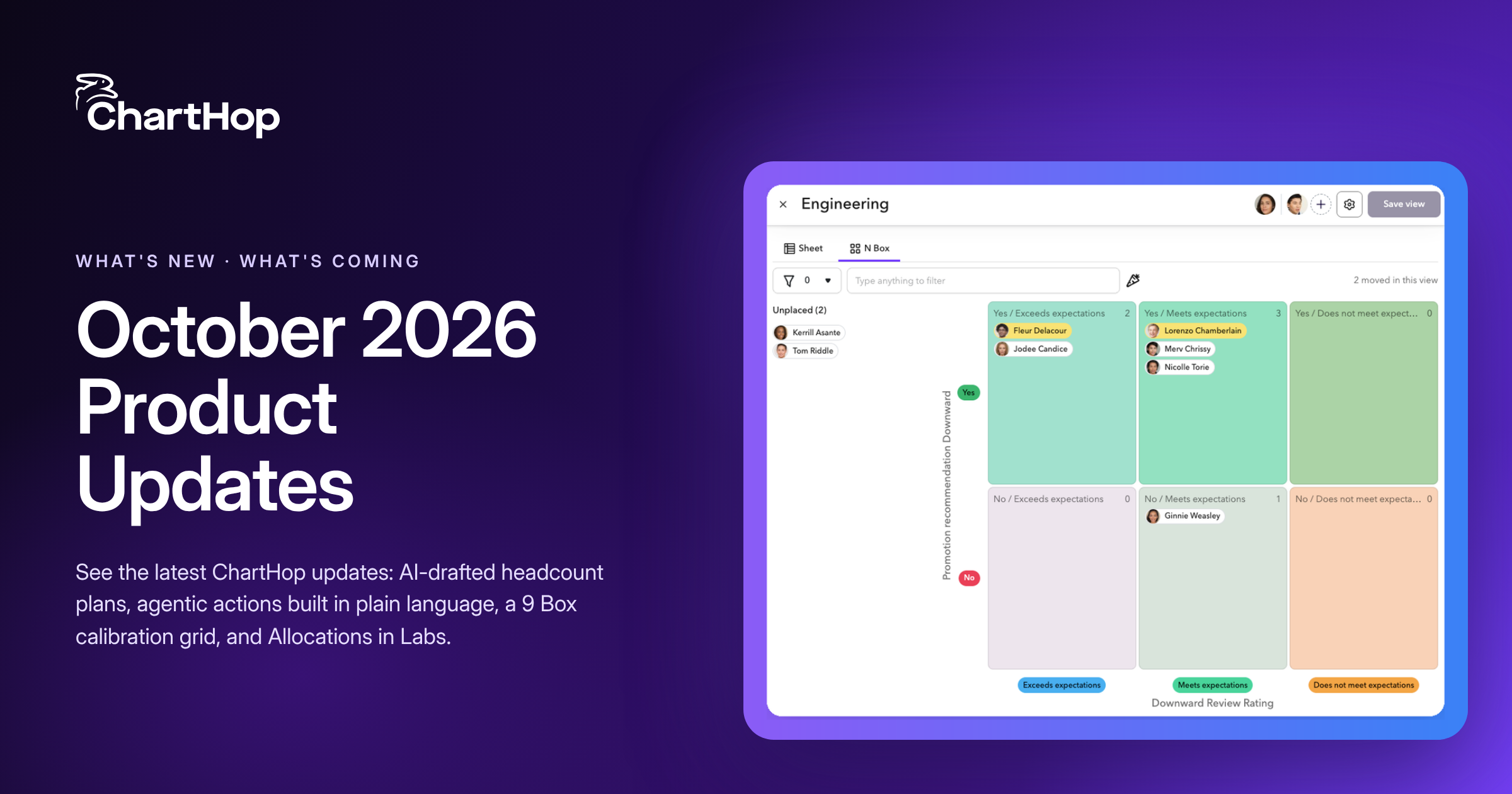
See the latest ChartHop updates for October 2026: AI-drafted headcount plans, agentic actions built in plain language, a 9 Box calibration grid, and Allocations in Labs.

AI agents that do real work, governance that got specific, and why context matters more than data. Our five takeaways from HR Tech 2026 in Las Vegas.


