AI agents are moving from demo to daily use in people teams. An agent does not just answer a question. It takes an action: it pulls the data, drafts the plan, updates the record, and flags what needs your attention. For HR and people operations, that shift is massive, because so much of the work is repetitive, data-heavy, and stuck across too many systems.
The teams getting real value are not the ones with the flashiest tools. They are the ones that rolled agents out with a clear plan. This playbook walks through how to do that, from the first workflow to the guardrails that keep it safe.
Plenty of tools call themselves AI. The useful distinction is whether the AI describes work or does work. A chatbot that summarizes an engagement survey is helpful. An agent that reads the survey results, connects them to turnover and manager data, drafts a follow-up plan, and routes it for approval is doing the job.
For people operations, agents tend to help most in three places: answering questions across systems in plain language, running repeatable analysis that used to eat an analyst's week, and moving routine tasks forward without a person babysitting each step.
An agent takes your data model literally, to a fault. If your headcount lives in one tool, your pipeline in another, and your budget in a spreadsheet, an agent will either miss context or act on stale numbers. The single biggest predictor of whether an agent delivers is whether it sits on connected, current data.
Before you turn anything on, get your core people data into one place, or into a platform that connects those sources for you. This is the unglamorous part, and it is the part teams most want to skip. Do not skip it.
Resist the urge to automate everything. Pick a single workflow where the pain is obvious and the volume is high enough to matter. Good first candidates for people teams:
One workflow gives you a clean before-and-after, and a win you can point to when you ask for more.
An agent that can see everything and act on anything is a risk, not a feature. Decide up front what data the agent can read, what it can change, and who it acts on behalf of. Role-based permissions matter more here than anywhere else, because self-service intelligence is only safe when each person sees only the data they are allowed to see.
Write down the rules before launch. Which fields are off limits. Which actions need a manager's sign-off. Where a cost threshold should trigger finance approval. Clear rules let you give people real power without opening the door to mistakes.
Autonomy is a dial, not a switch. Early on, keep a human in the loop: the agent proposes, a person approves. As you build trust in a given workflow, you can let the agent complete lower-risk steps on its own while still escalating the calls that need judgment.
A simple way to frame it: let agents own the tactical work that slows people down, and keep humans on the decisions that carry real consequences. Creating a first-draft dashboard is a good place to start. Approving a headcount change is not.
Pick two or three metrics before launch so you can prove the value. Time saved per task, cycle time on a process, and how quickly leaders get answers are all easy to track and easy to explain. Run the pilot for a set period, compare against your baseline, and use the result to decide the next workflow.
Expansion should be deliberate. Add the next workflow once the first is stable, and reuse the guardrails and data connections you already built. The compounding value comes from a shared foundation, not from a pile of disconnected point tools.
ChartHop AI Pro is built for exactly this pattern. Because ChartHop connects workforce, business, and financial data on one data layer, its agents reason across the full organizational picture instead of a single silo. You can ask questions in plain language, build custom agents for recurring work, and let agents take action through the same permissions model that governs the rest of the platform. Access Guard makes sure every agent respects who is allowed to see what.
That combination, connected data plus agentic action plus role-based control, is what turns AI from a demo into a daily advantage for a people team.
Start small and concrete. Pick the one workflow that wastes the most time on your team this quarter, confirm the data behind it is clean and connected, set your guardrails, and run a short pilot with a human approving each step. Prove the time saved, then move to the next workflow.
If your people data still lives across too many systems to act on quickly, that is the first thing to fix. See how ChartHop connects your data and puts AI to work on it.



Evaluate AI HR tech vendors with confidence with these 15 critical questions that help you assess how AI is built, governed, and applied in real HR scenarios.

Use this free library of AI prompts designed for tools like ChatGPT and Ask ChartHop to streamline workflows, improve decision-making, and save time across hiring, onboarding, performance, and vendor evaluation. Built by and for HR leaders.
Organizational intelligence is what a company knows about itself, connected in one place and current enough to decide on. Here is where the term came from, the five layers of data it spans, how it differs from workforce intelligence and people analytics, and the test a system should pass before it uses the name.
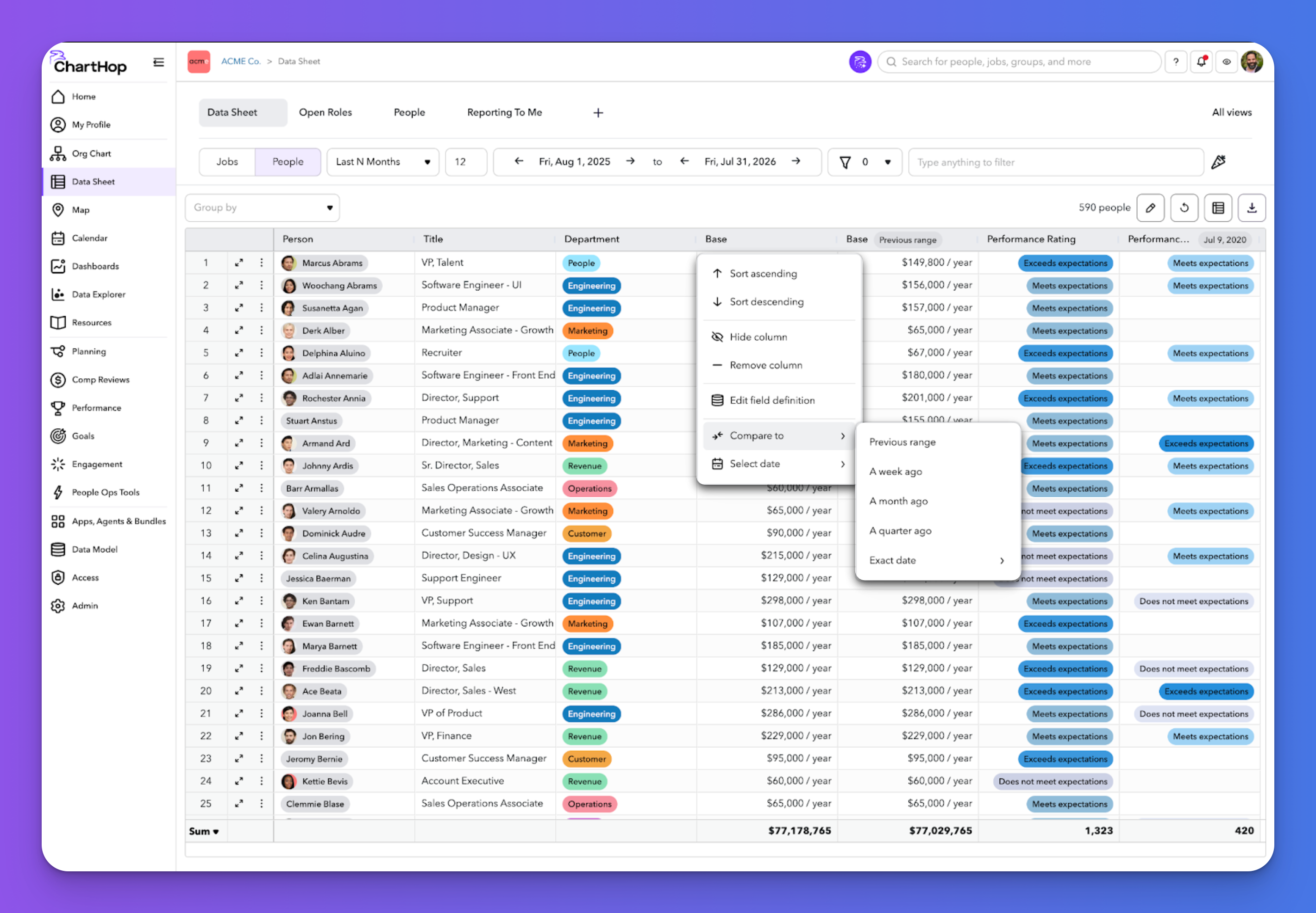
See the latest ChartHop updates for September 2026: time-based columns in the Data Sheet, automated time off milestone awards, fully translated goals, and a smarter scenario org chart.
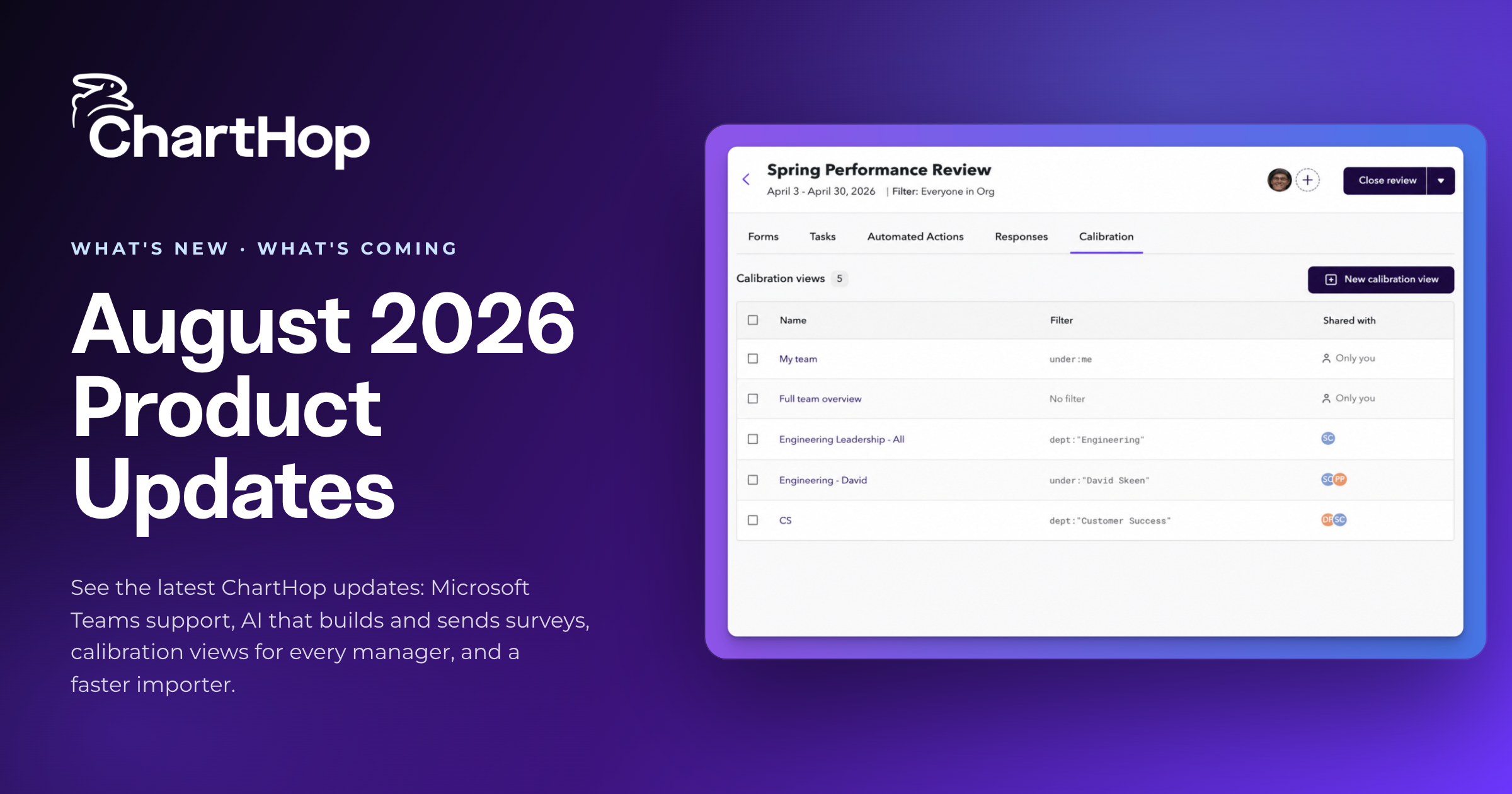
See the latest ChartHop updates for August 2026: Microsoft Teams support, AI that builds and sends surveys, calibration views for every manager, and a faster importer.