


Most organizations set goals in one place, track progress somewhere else, and explain results in a third. With ChartHop Goals, you can connect company priorities to live people and business data so leaders get instant visibility into progress, dependencies, and execution risk.
Because goals are built directly on your org structure and connected to the data that runs your business, teams can align work more clearly, spot issues earlier, and stay focused on what matters most.
ChartHop Goals includes:
All of this gives leaders and managers a more complete, real-time view of how strategy connects to execution.
With ChartHop Goals, your goals no longer need to live in spreadsheets or slide decks — they can live in ChartHop, alongside the people and business data that bring them to life.
Learn more about ChartHop Goals. For a deeper walkthrough, watch Announcing ChartHop Goals: OKRs that actually reflect how your business runs.
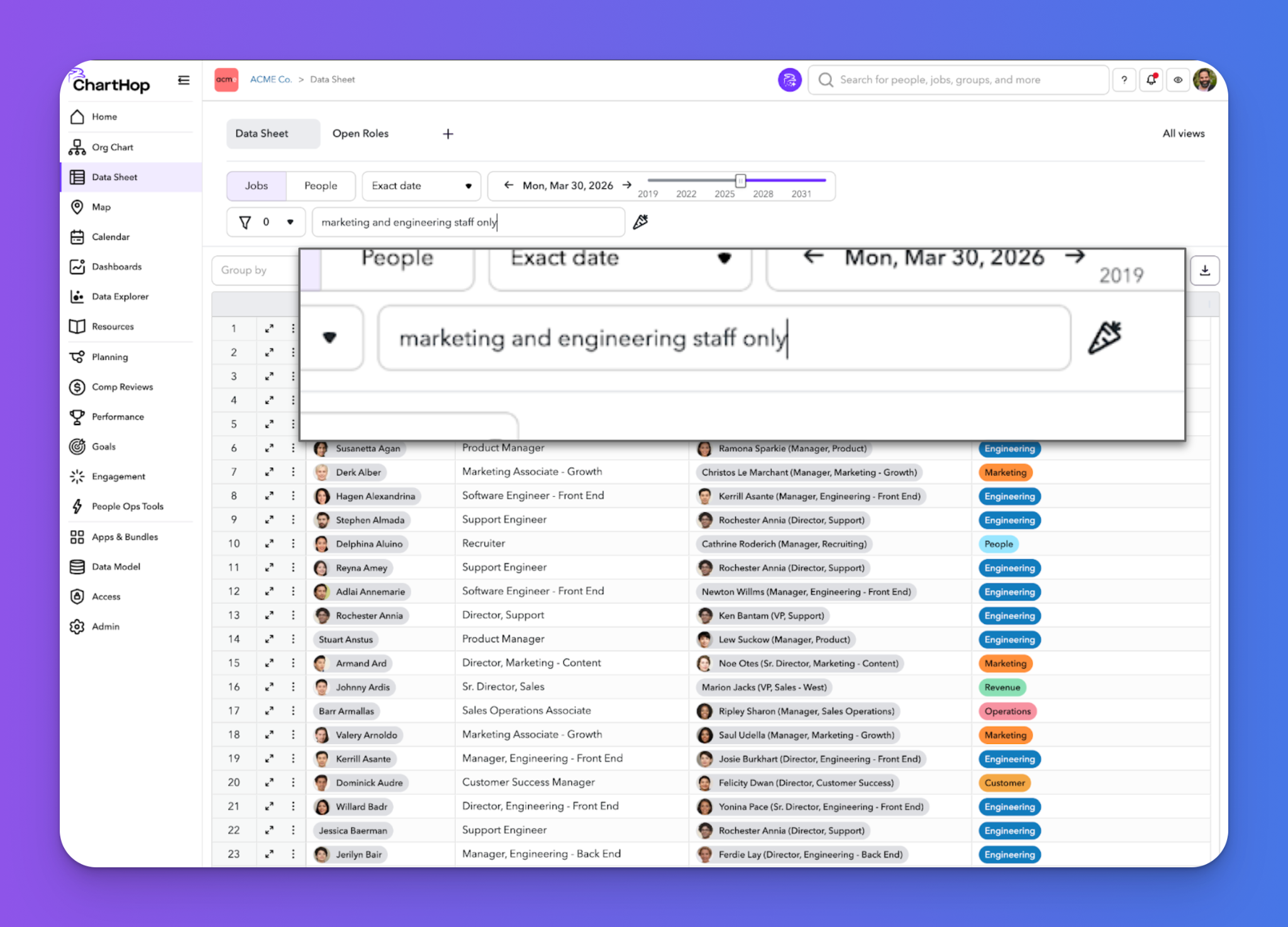
Have you ever marveled at the power of ChartHop CQL but felt intimidated by the syntax? With Natural Language Filtering, you can now simply describe what you want in plain language and ChartHop will translate it into valid CQL for you!
It is magical.
And if you already know CQL, nothing changes — your existing syntax will continue to work exactly as before. Natural Language Filtering is currently available as an org-level option while we continue improving the semantic experience ahead of a broader rollout.
You ask, we listen! Here are 8 product updates aimed to make your workflows smoother.
Greenhouse Attribution User (ATS): You can now choose an attribution user for Greenhouse changes. If no user is selected, the existing default behavior remains unchanged.
Reordering Budgets (Comp Reviews): It is now easier to reorder budgets. Admins can use simple arrow controls in configuration to change the sequence of budget deductions.
Approval Notification Enhancements (Planning and HRIS): Approval notifications are now more flexible. You can configure whether submitters receive emails at every stage, include approver comments in emails, and create conditional notification groups based on scenario cost, change type, or custom CQL.
Auto-Increment Fields: You can now create auto-incrementing unique IDs for fields in Primary. Set prefixes, separators, and numeric formatting, and apply the field across existing jobs while preserving uniqueness through validation.
Group Type Membership: Group Types now support either Single or Multiple membership. This gives admins more control over whether a person or job can belong to one group of that type or several.
Importer Improvements: Importers now support daily, weekly, and monthly compensation values, more flexibility for complex setup cases, and better control over whether imports run on jobs, people, or both.
Mouse/Trackpad Panning in Org Chart: Navigating the org chart now feels more natural. Trackpad and mouse scrolling will pan across the chart by default instead of zooming, making it easier to move through large org structures. Users can still zoom when needed by holding Shift while scrolling or by pinching on the trackpad.
General Improvements: Additional updates include a new Consecutive Active Days field, work email visibility for top users, and auto-collapsing resources when companies have 20 or more pages to make navigation easier.
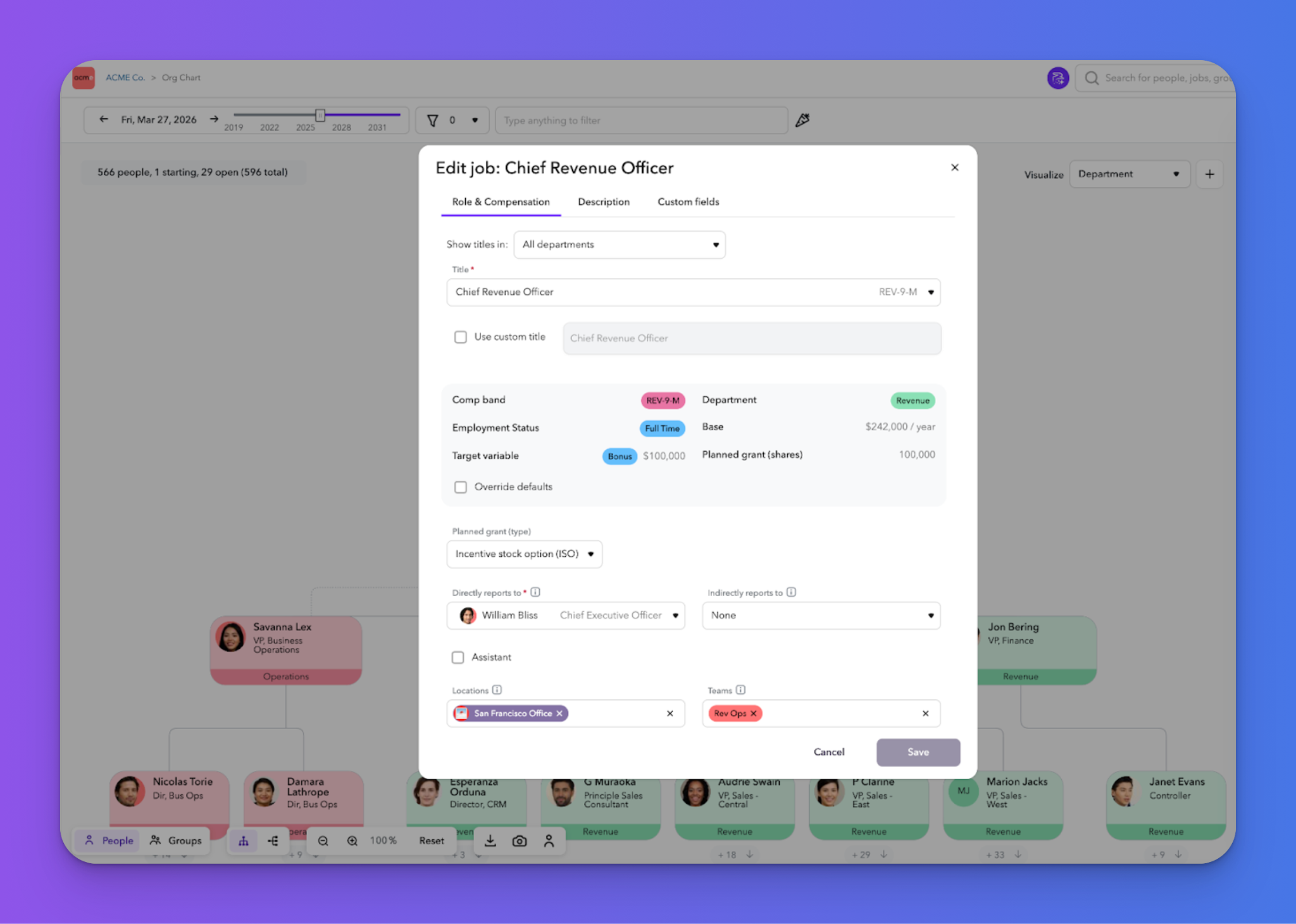
A sneak peek at what’s in development, and how you can get early access.
Job Codes & Dynamic Fields: Now in Alpha - ask your CSM to enable. Set up Standard Titles, Job Codes, and any additional linked fields in the new configuration screen (you can also download/upload a CSV to populate the table). Some examples of dynamic fields to include: comp bands, employee type, required skills, location - the possibilities are completely configurable for your org. Once set up, assign job codes to all of your people & jobs, and see it in action with our NEW Job modal (also in Alpha).
Pivot Tables: In Alpha, have your CSM enable Data Sheet: Group By and Progressive Loading. You will then be able to create pivot tables in the Data Sheet. This is transformative and provides a whole new way to use Data Sheets. Perfect for Finance teams that need aggregates at Department, Location, or any (dimension) you choose. This update also introduces progressive loading to make Data Sheets load faster for larger orgs.
Business Data: ChartHop has the ability to ingest business data from platforms like Salesforce and ZenDesk or directly from Google Sheets. This opens up entire new possibilities for aligning business data with people data. Imagine being able to see sales data per rep in the Org Chart, or generate a dashboard showing top support tickets by product, or being able to use Ask ChartHop to get answers for which territory teams are exceeding their quota. The possibilities are endless.
Preboarding Unannounced Employees: Handling sensitive leadership hires or high-volume cohorts requires a delicate balance: you need to keep things quiet until their Announce Date, but your IT and Ops teams need a head start on provisioning.
Previously, this meant either manually adjusting access roles or keeping "shadow spreadsheets" outside the system. Not anymore.
The Update: Targeted Visibility for Unannounced Hires You can now include information for unannounced hires in specific actions, allowing essential departments (like IT or Facilities) to see exactly what they need—and only what they need—to prepare for Day 1.

.png)

Ask ChartHop, our conversational AI assistant, now powers all five ChartHop modules: HRIS, Headcount Planning, Performance, Engagement, and Compensation. Whether you’re planning headcount, reviewing performance, or analyzing engagement, Ask ChartHop transforms your people data into instant, actionable insights — securely and transparently — so your team can move from asking to acting.
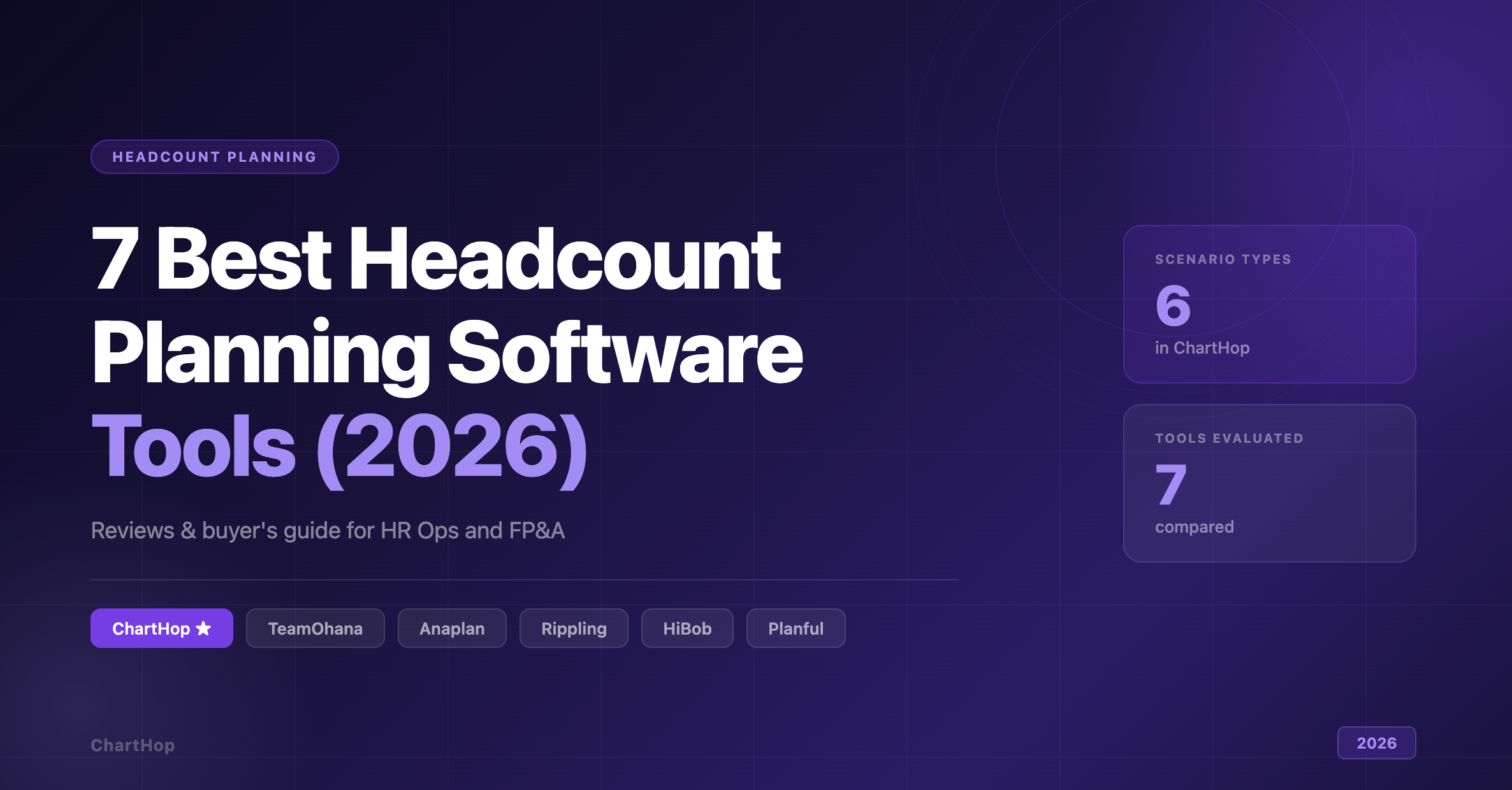
ChartHop leads our evaluation of the 7 best headcount planning software tools in 2026. Compare scenario modeling, approval workflows, integration depth, and budget visibility to find the right fit.
AI agents that do real work, governance that got specific, and why context matters more than data. Our five takeaways from HR Tech 2026 in Las Vegas.

Heading to Gartner HR Symposium/Xpo in Orlando? Our picks for sessions on workforce planning, org design and AI in HR, plus where to find ChartHop at Booth 220.
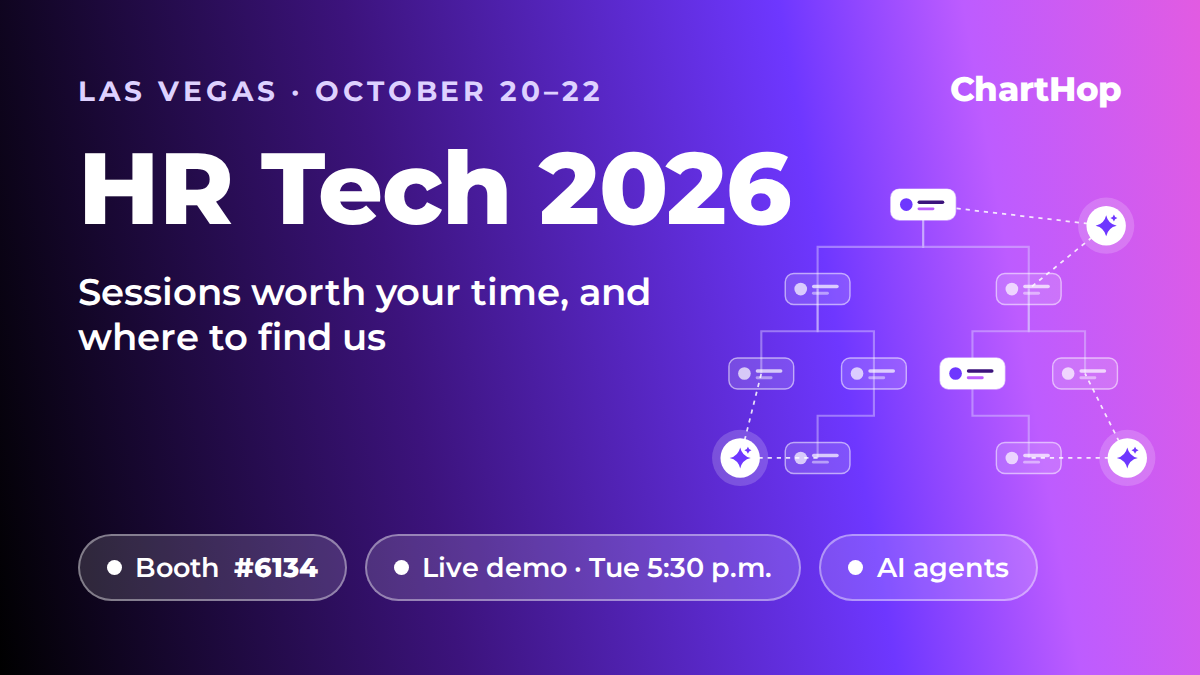
Heading to HR Tech 2026 in Las Vegas? Our take on the show theme, the sessions worth your time, and where to find ChartHop's booth and live demo.